
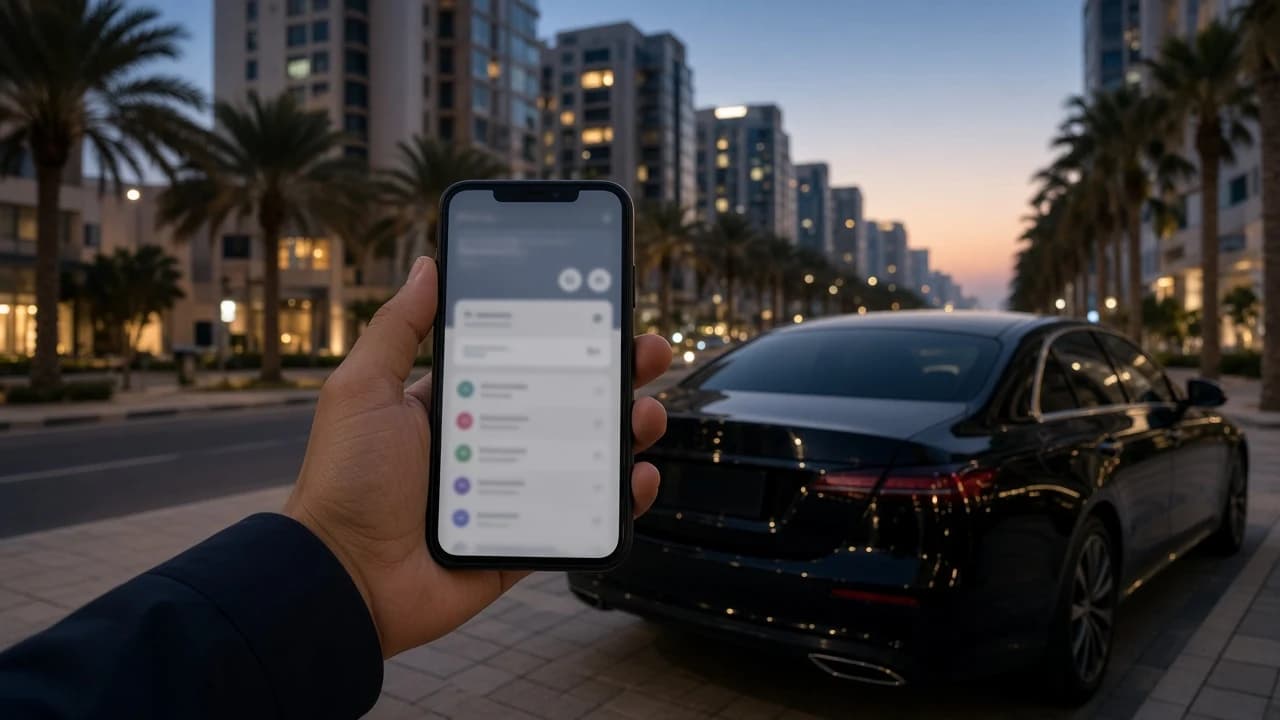
Knowing how to check Salik balance matters because Salik deducts every toll crossing from a prepaid account. If the balance runs too low, crossings can turn into violations. The balance belongs to the account the car's tag is registered to, so the right method depends on whether the car is yours or rented.
This guide covers the official channels for owners and residents, then explains what rental drivers should do instead. For the gate list and toll times, see how many Salik gates there are in Dubai.
Salik balance check in the official app
The official Salik app is the quickest route for account holders. Sign in and the dashboard shows your current balance, recent trips through the gates, and statements. The app can also send alerts for low balance, unpaid trips, and violations.
Recharging happens in the same app, so most residents check and top up in one step. Keep the app's notifications on if more than one driver uses the car.
Salik balance by plate number on salik.ae
On Salik, use the balance check without a full login: enter the plate number, plate code, emirate, and the mobile number registered to the account, then confirm with the one-time password sent to that phone.
Full login with your account number and PIN shows more detail, including the trip history behind each deduction. If you do not have your account number, the plate-number check is usually the easier way in.
Salik's customer service line is 800 72545 (800-SALIK) for questions the app and website do not answer. Older guides list SMS short codes for balance checks; confirm the current format on salik.ae before relying on one.
Why rental drivers do not check Salik balance
A rental car's Salik tag is registered to the fleet operator's account, not to you. The plate-number check needs the registered mobile number, so a renter cannot see that balance, and does not need to. Keeping the tag funded is the rental company's job.
What you pay is the crossings made during your rental, billed to you under the agreement. Ask how and when those crossings are charged, whether an administration fee applies, and how the charges relate to the deposit hold.
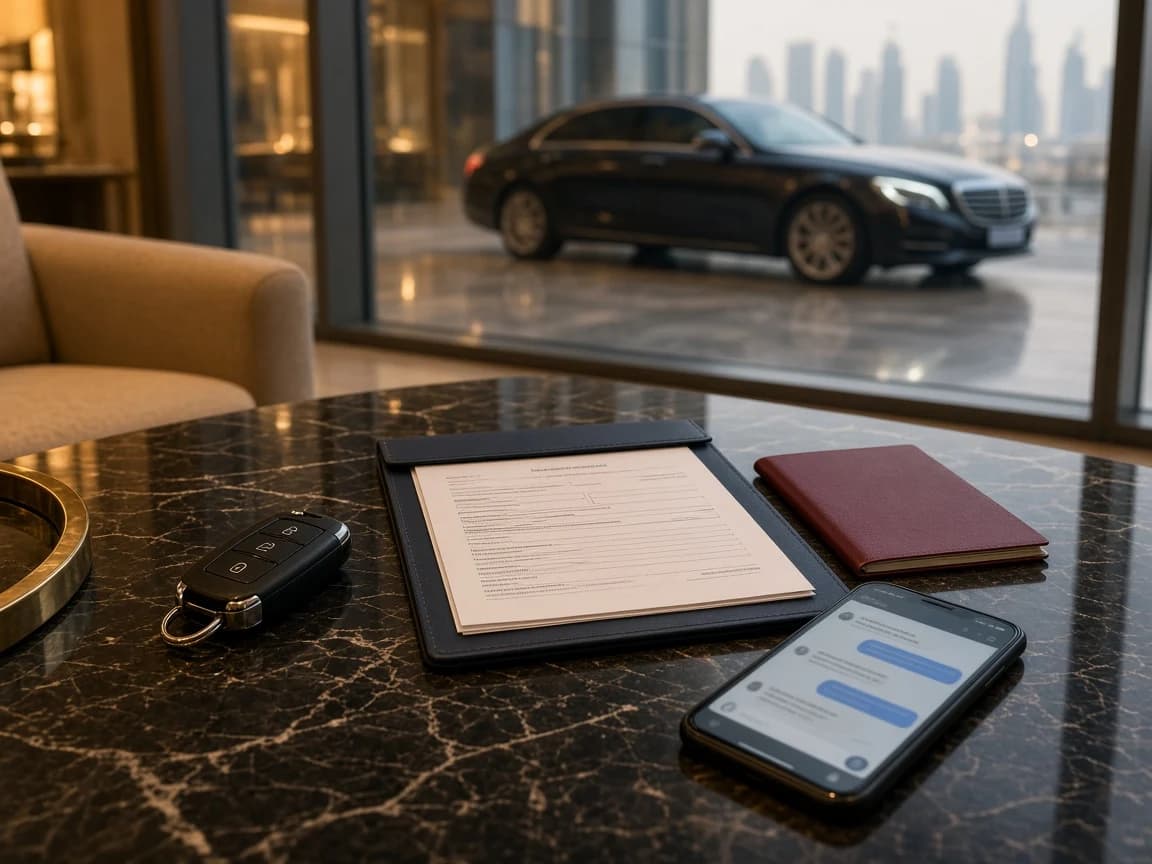
The Salik on a rental car guide walks through that conversation, and the security deposit guide explains how Salik charges sit beside the deposit hold.
Keep Salik, parking, and fines separate
A Salik deduction is a toll for using a road. Parking charges and traffic fines are separate products with their own systems. Paying one never clears another. Use the Dubai parking payment guide for parking zones and the rental traffic fines workflow if a notice reaches you after your trip.
Planning your own drive? Browse luxury car rental in Dubai and ask DreamRides on WhatsApp how Salik is billed for your dates before you book.