
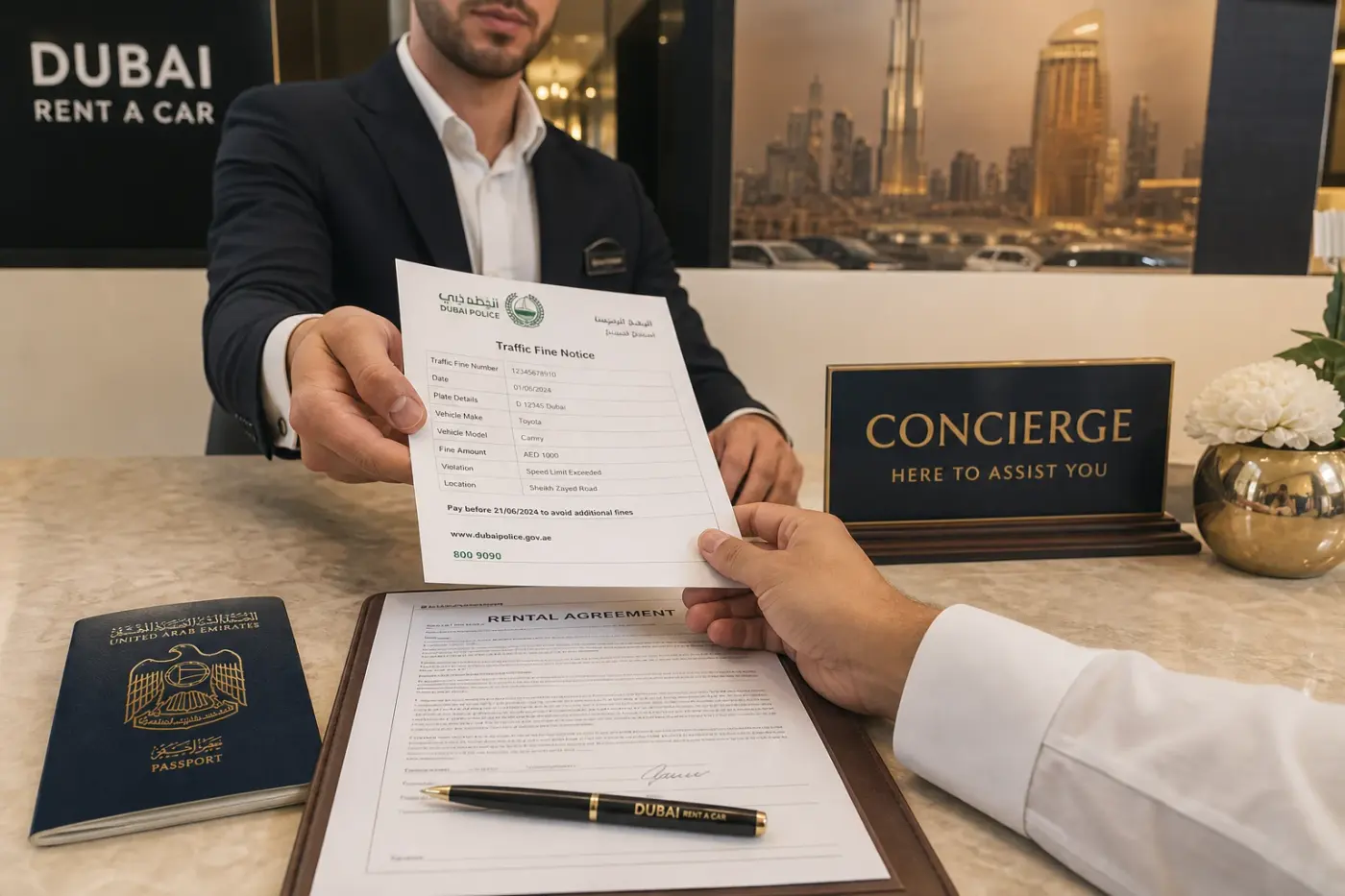
Learning how to handle traffic fines when driving a rental car in Dubai saves stress at return. Violations are linked to the vehicle registration plate on your contract — authorities and fleet operators reconcile notices after the event, not always at the roadside.
Salik tolls, parking charges, and traffic penalties are separate products. A cleared Salik account does not mean radar or parking fines are settled. DreamRides explains how each charge type is tracked for your booking.
For baseline responsibility questions, see who pays Salik, parking, and traffic fines on the FAQ page — then confirm your exact terms on WhatsApp before you drive.
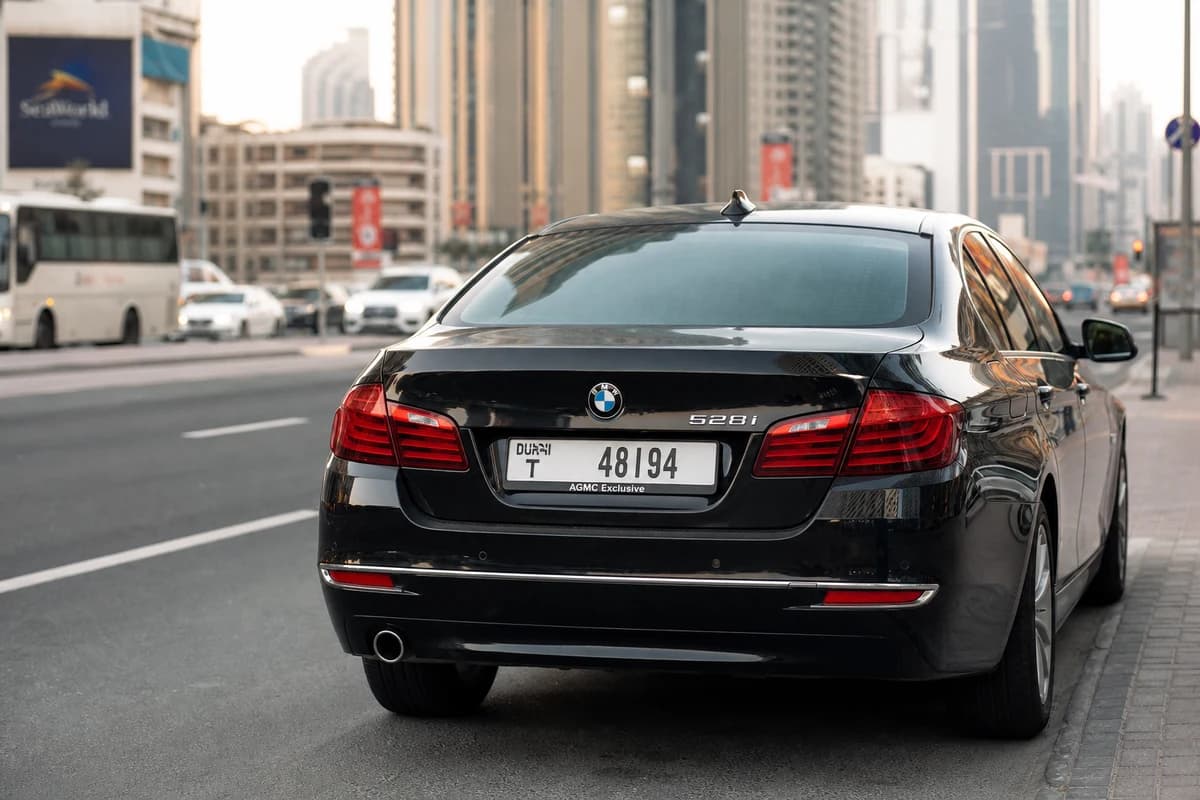
How a fine reaches your rental
Cameras and enforcement systems record the plate. The notice flows from the issuing authority to the registered owner — for rentals, that is the fleet operator — and then to the guest under the rental agreement.
Delays are common. A speeding event on Tuesday may only appear on Thursday or Friday. Keep your booking reference and contact channel open until DreamRides confirms the rental account is fully closed.
For camera types and corridor habits, read traffic radars in the UAE before long highway stretches.
What to confirm at handover
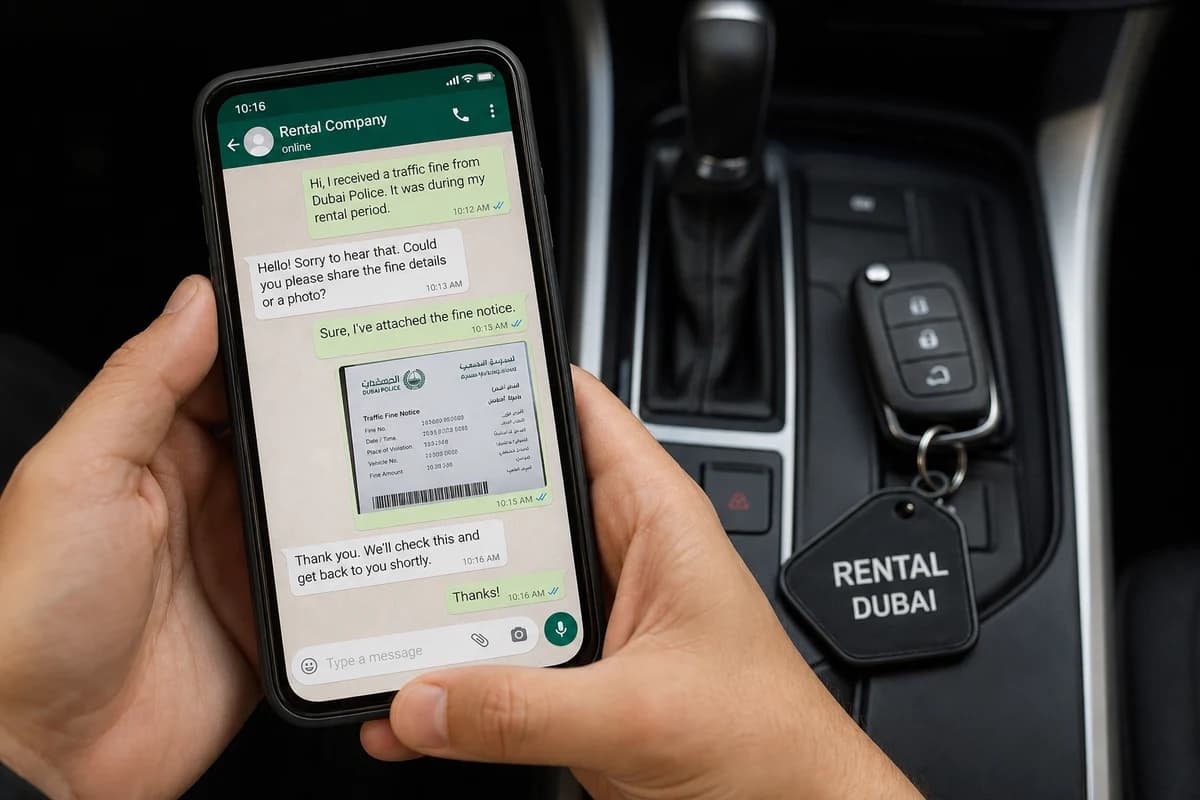
Ask how fines are communicated during your rental window — SMS, email, WhatsApp, or post-return debit from the security hold. Note any administration fee stated in the agreement.
Confirm whether payment is guest-settled directly with the authority or handled by DreamRides on your behalf with reimbursement. Both models exist across the market; your contract governs.
Photograph the odometer, fuel level, and exterior at collection and return. Documentation supports you if a notice date overlaps handover times.
Step-by-step when a notice arrives
Forward the fine reference, date, time, and plate to your concierge as soon as you receive it. Do not ignore messages assuming the company will absorb undocumented violations.
If you believe the notice is incorrect — wrong plate date, duplicate entry, or handover overlap — share evidence immediately. Dispute windows with authorities are time-limited.
Pay or authorise payment through the channel the concierge specifies. Ad-hoc payments without reference numbers can delay clearance and hold your deposit longer than necessary.
After return and deposit release
Some fines post after the vehicle is back in the fleet. That is why deposits or card pre-authorisations may remain open briefly after return.
Keep the same WhatsApp thread active for seven to fourteen days after a short rental, longer for monthly contracts. Ask for written confirmation when the account is closed and no further plate-linked notices are expected.
Parking fines from malls, hotels, or private operators follow their own payment paths but may still be charged back under your rental terms if tied to the hire period.